
I deleted the .htaccess file
In today’s .htaccess tutorial, we will learn how you can delete the .htaccess file using the File Manager plugin and also regenerate a new file. Please note, you can also use FTP or cPanel to access the .htaccess file.
To get started, log in to your WordPress website and add the new plugin, File Manager. This plugin will give access to all your website files. Find the .htaccess file, take a backup (Download it), and then you can simply delete it. To regenerate a new .htaccess file, go to settings, permalinks, and save changes. This will create a new .htaccess file.
Thank you very much.
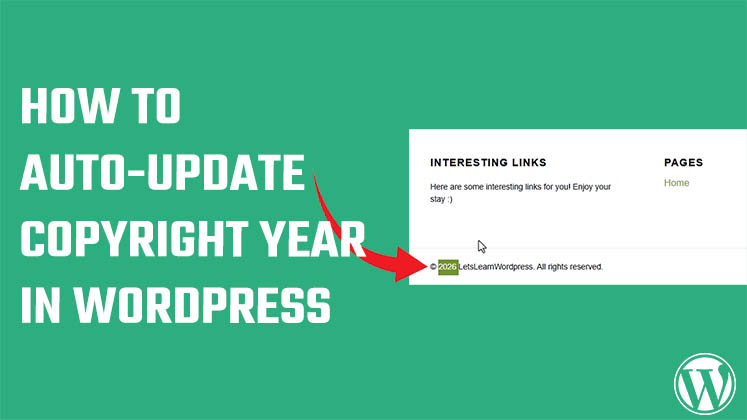




How to auto-update Copyright Year in WordPress?
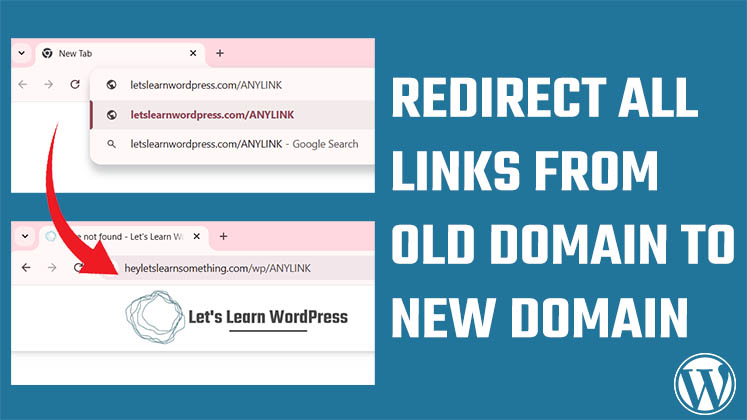
Correct way to redirect all links from old domain to new domain without affecting SEO
Official Warning: We Used the Word “WordPress” and This Happened