
How to auto-update Copyright Year in WordPress?
Here is how you can add a floating button to your WordPress website. It can help visitors quickly access important pages, contact forms, downloads, or any other links you want to highlight.
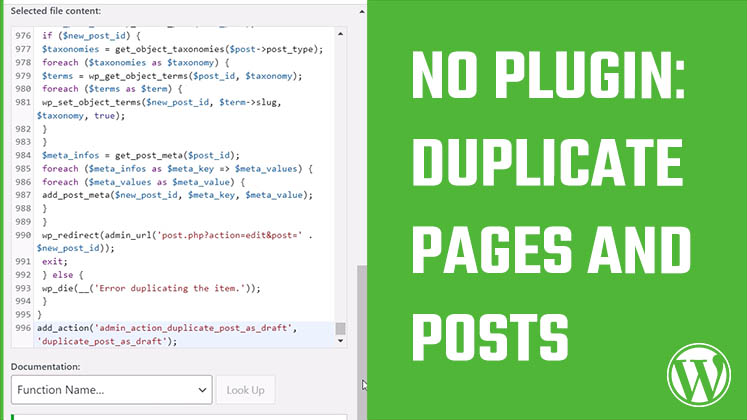
First, log in to your WordPress website and go to Appearance > Theme File Editor. Then open the functions.php file, scroll down, and add the custom code. The link to download the code is provided in the description. Simply copy the code and paste it into your theme’s functions file. The main changes you may want to make are within the CSS section, where you can adjust the left, right, top, bottom, and padding values according to your preference.
You can also customize the button by changing its main color, hover color, text, and destination link. Once you have made the necessary changes, update the file and save it. After that, visit your website, and you will see the floating button displayed. The button will appear on every page of your website, making it easy for visitors to access important content from anywhere on your site. We hope this was useful to you. Thank you very much.


How to add a floating button on your WordPress website
How to auto-update Copyright Year in WordPress?
Correct way to redirect all links from old domain to new domain without affecting SEO