
Free Text to Speech Offline with Realistic Voices | Kokoro TTS
Kokoro TTS makes it simple to convert your text to speech. And here is how you can install it on your PC and run it locally.

Kokoro TTS makes it simple to convert your text to speech. And here is how you can install it on your PC and run it locally.

Here is how you can clone your voice with a few seconds of audio. To clone your voice, we will be using F5-TTS, a Python application.

In this tutorial, we will quickly learn how to install the RVC Project and change voice in real-time. Download the RVC Project

Here is how I cloned my voices to Dracula and Andrew Tate using the RVC project. And it is very simple to do.

Here is a simple, lightweight screen recording software that can record your whole screen or a particular region.

Facefusion has released another version – Facefusion 3.4.1. And here is how you can install the latest version on your Windows PC

Here is how you can install iRoopDeepFaceCam on your MacBook / MacOS. This works on both Apple Silicon and Intel.
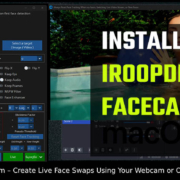
Here is how you can install iRoopDeepFaceCam on your MacBook / MacOS. This works on both Apple Silicon and Intel.
Here is how you can convert an e-book to an audiobook using the open-source Python application ebook2audio by Drew Thomasson.
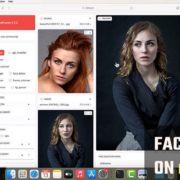
Here is how you can install Facefusion on your macOS. To do that, we will be using Anaconda. For those who do not have Anaconda


Welcome to Hey, Let's Learn Something!
Please sign up here to receive the latest updates on our blogs, tutorials and download section :)